Introduction
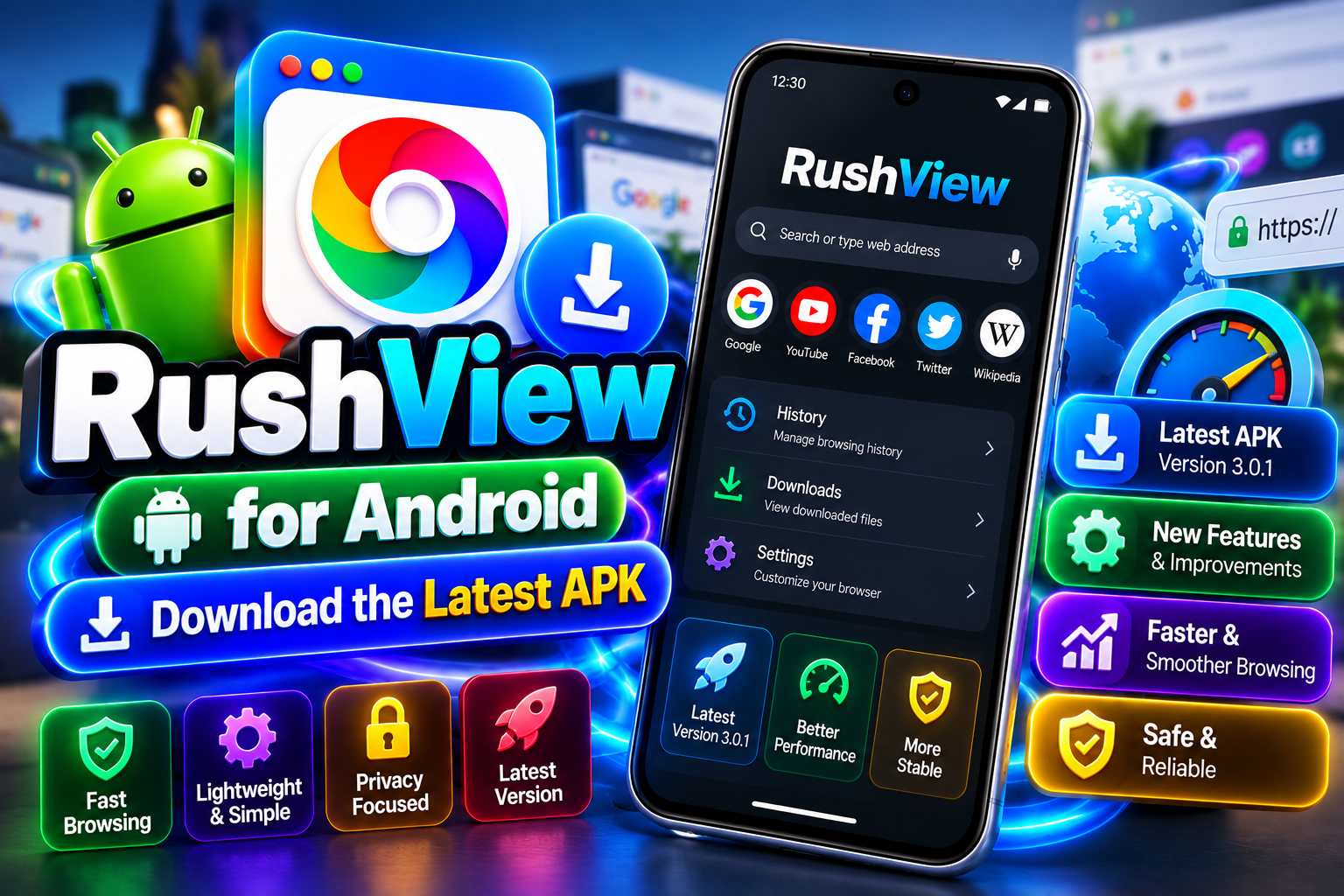
The RushView app is an Android browsing application designed for users who prefer a simple and lightweight way to access websites. Instead of focusing on a large collection of complicated features, RushView emphasizes everyday browsing, straightforward navigation, history management, cache controls, and privacy-conscious functionality.
Choosing a browser depends on personal requirements. Some users want a feature-rich browser with extensions and synchronization, while others simply want an application that makes basic web browsing easy.
This guide looks at the main RushView app features and explains what users can expect from its browsing experience.
What Makes RushView Different?
RushView takes a relatively simple approach to mobile browsing.
The application is designed around common browser functions rather than an overwhelming number of additional tools.
This can be useful for users who want to open websites, search for information, manage browsing history, clear cached information, and navigate online content without spending time learning a complicated interface.
Fast and Lightweight Browsing
One of the main ideas behind RushView is lightweight browsing.
A browser that keeps its interface simple can feel easier to navigate, particularly on devices where users do not need advanced browser features.
However, actual browsing performance depends on several factors.
Your internet connection, Android version, phone hardware, website performance, and network conditions can all influence how quickly webpages load.
Therefore, “lightweight” should be understood as an approach to application design rather than a guarantee of a particular internet speed.
Simple User Interface
A good mobile browser should make its basic controls easy to understand.
RushView uses a straightforward interface that is intended to make everyday browsing accessible.
Users can navigate websites, search for information, and access browser controls without needing extensive technical knowledge.
This simple design can be particularly useful for users who prefer functionality over visual complexity.
Browsing History Management
The browser history contains information about websites that have been visited.
RushView provides history-management functionality that allows users to review and manage this information.
History management can be useful when you want to return to a page you visited earlier.
It can also be useful when you want to remove locally stored browsing records from your device.
Users should remember that deleting local browser history does not necessarily remove records stored by websites or other services.
Cache Management
Web browsers often store temporary files to help websites load efficiently.
Over time, these cached files can accumulate.
RushView provides cache-management functionality, allowing users to clear temporary browsing information when necessary.
Clearing cache can sometimes help when a website is behaving unexpectedly, although websites may take slightly longer to load certain resources again afterward.
Privacy-Focused Browsing
Privacy is another important part of the RushView experience.
The app is positioned with a privacy-conscious approach and includes tools for managing certain browsing information.
However, privacy-focused does not mean completely anonymous.
When you browse the internet, websites, network providers, applications, and other services can process different types of information.
Users should therefore combine browser privacy settings with sensible online habits.
Easy Website Navigation
RushView is designed for normal web browsing.
Users can enter web addresses, search for information, open websites, and move between pages.
A straightforward navigation system can be useful when the main purpose of a browser is simply accessing online content.
RushView App for Android
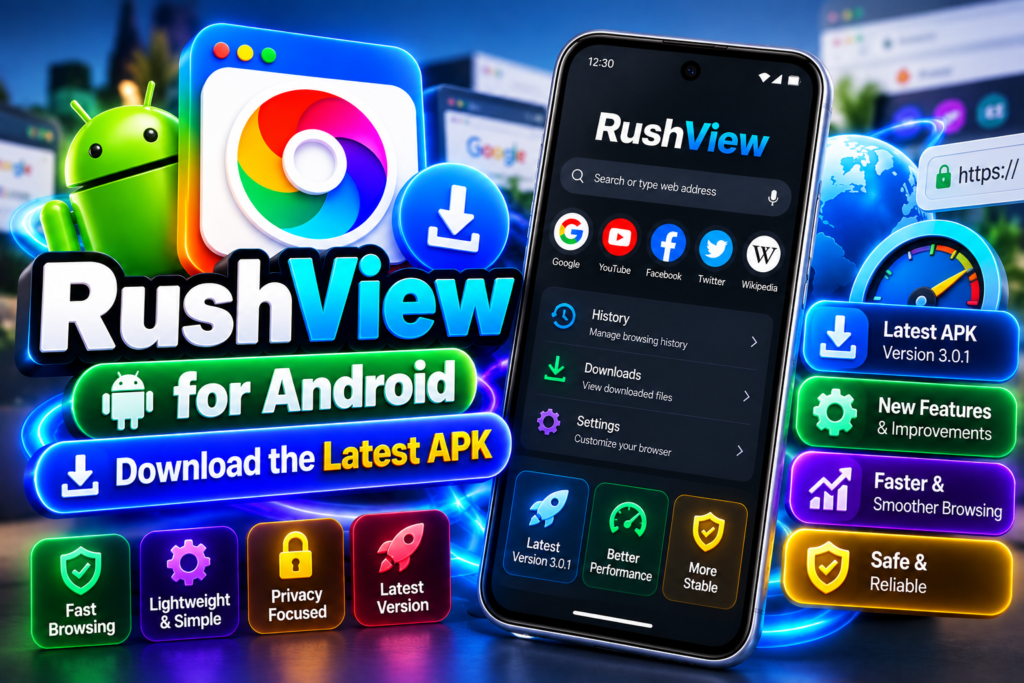
RushView is primarily associated with Android.
Android users should check the requirements of the specific RushView version before installation.
Because Android devices come in many configurations, compatibility can depend on the operating system version, device hardware, available storage, and application release.
If you are downloading RushView through an APK, always check the file source and version before installation.
RushView App Compatibility
Compatibility is an important consideration for any Android application.
Before installing RushView, check:
- Android version
- Device storage
- APK version
- File architecture where applicable
- Application permissions
- Download source
These details can help reduce installation problems.
History and Cache Controls
One advantage of having browsing-data controls in the same application is convenience.
Instead of searching through multiple menus or installing another tool, users can manage basic browser data directly from the application.
History and cache controls are particularly useful for people who regularly want to keep their browser organized.
Who Should Use RushView?
The RushView app may be suitable for users who want:
- A lightweight browsing experience
- Simple navigation
- Basic browser controls
- History management
- Cache-clearing functionality
- A privacy-conscious approach
- An Android-focused browser
It may not be the best option for users who require extensive extensions, advanced developer tools, complex synchronization, or a large ecosystem of browser services.
RushView App Pros and Cons
Pros
- Simple interface
- Lightweight browsing approach
- History-management tools
- Cache controls
- Privacy-conscious positioning
- Suitable for everyday browsing
Cons
- May have fewer advanced features than major browsers
- Primarily associated with Android
- APK installation requires attention to source safety
- Compatibility may vary between devices
RushView Compared With Major Browsers
Large browsers such as Chrome, Firefox, Brave, Opera, and Edge offer extensive ecosystems.
They can provide synchronization, extensions, desktop integration, customization, and other advanced features.
RushView takes a simpler route.
For users who need only basic browsing and data-management controls, that simplicity can be an advantage.
For users who want advanced browser ecosystems, a larger browser may be a better fit.
How to Get the Most From RushView
To get a better browsing experience, keep the application updated through a trustworthy source.
Regularly review your browser settings and manage history or cached data when necessary.
Also avoid downloading suspicious modified APK files.
If you use the browser on a shared device, regularly managing locally stored browsing information can provide additional control over what remains on the device.
Frequently Asked Questions
What is the RushView app?
RushView is an Android browser designed for straightforward web browsing, with features related to navigation, history, cache management, and privacy-conscious browsing.
Is RushView free?
RushView is generally listed as a free Android browsing application. Always check the information for the version you are installing.
What are the main RushView app features?
Its main features include lightweight browsing, simple navigation, history management, cache controls, and privacy-conscious functionality.
Is RushView available for Android?
Yes, RushView is primarily associated with Android devices.
Can I use RushView on a PC?
Because RushView is primarily an Android application, using it on a PC may require an Android-compatible environment if there is no official native Windows release.
Does RushView support Android TV?
Compatibility depends on the Android TV device and specific application version. Users should check the requirements before installing.
Does RushView provide complete privacy?
No browser can guarantee complete online anonymity. RushView provides privacy-conscious features, but users should understand the wider privacy environment of the internet.
Final Thoughts
The RushView app is aimed at users who prefer a straightforward Android browsing experience. Its lightweight approach, simple interface, history management, cache controls, and privacy-conscious features make it an interesting option for everyday web browsing.
The best browser ultimately depends on your requirements.
If you want a simple application without unnecessary complexity, RushView may be worth considering. If you need extensions, extensive synchronization, advanced customization, or desktop-focused tools, a larger browser may be more appropriate.
Before downloading any RushView APK, always verify the version, compatibility, source, and permissions.