What Is RushView?
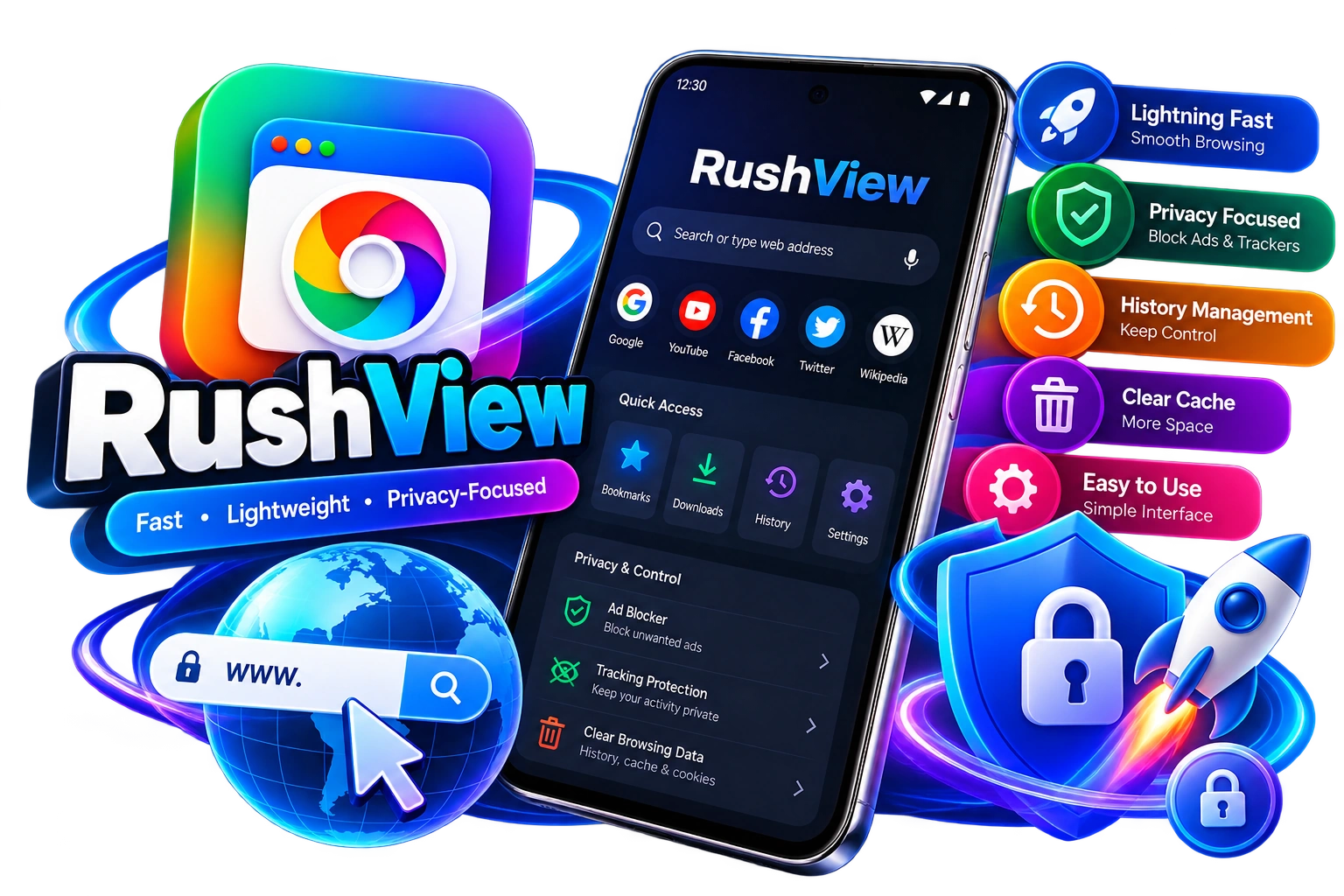
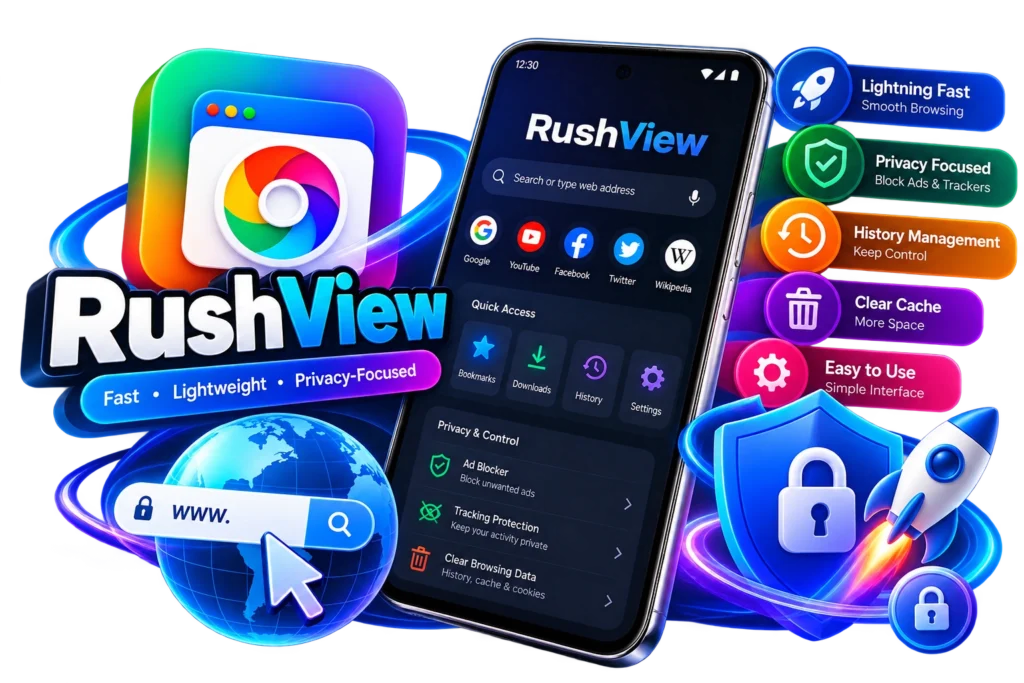
RushView is an Android browsing application designed for users who want a straightforward way to access websites from their mobile devices. Instead of focusing on a large number of complicated tools, RushView is positioned around a simpler browsing experience with features related to navigation, browsing history, cache management, and privacy.
For someone discovering RushView for the first time, understanding what the application does, how it works, and where it fits among other Android browsers is useful before downloading it. A browser is one of the most frequently used applications on a smartphone, so things such as interface design, performance, compatibility, privacy controls, and ease of use can make a noticeable difference.
RushView is primarily associated with Android devices. Users searching for the RushView app may also find information about the APK version, compatibility, latest release, and installation process. These details are important because Android applications can be distributed through different channels, and users should always verify the source before installing an APK.
How Does RushView Work?
At its basic level, RushView works like other mobile web browsers. Users can enter a website address, search the internet, open webpages, navigate between pages, and manage browsing information.
The main difference is the approach to the interface. RushView is intended to provide a relatively simple browsing environment rather than overwhelming users with numerous advanced options.
For everyday browsing, a simple interface can be useful. People often use browsers to search for information, visit websites, read articles, check online services, and perform other routine tasks. Having the necessary controls available without unnecessary complexity can make these activities easier.
RushView Features
One of the reasons people search for RushView is its collection of basic browsing tools.
Lightweight Browsing
RushView is positioned as a lightweight browser. This means its overall design focuses on providing essential browsing functionality without making the interface unnecessarily complicated.
The actual browsing speed a user experiences can depend on several factors, including internet connection, smartphone hardware, Android version, website performance, and network conditions.
Simple Interface
A browser should be easy to understand, especially for users who mainly need basic web access. RushView uses a straightforward approach that can make common browsing tasks easier to locate.
Browsing History Management
Browsing history can become lengthy after visiting many websites. RushView provides history-management functionality that lets users review and manage previously visited pages.
This can be particularly useful when you want to return to a website you visited earlier or remove local browsing records.
Cache Management
Web browsers store temporary files to improve the loading experience of websites. Over time, cached information can accumulate.
RushView includes cache-management functionality, giving users an option to clear temporary browsing data when required.
Privacy-Focused Features
Privacy is an important consideration when choosing a browser. RushView emphasizes privacy-conscious browsing and gives users controls for managing certain browsing information.
However, it is important to understand that using a privacy-focused browser does not automatically make someone completely anonymous online. Websites, internet providers, device settings, and other services can still collect or process information.
Who Can Use RushView?
RushView can be considered by Android users who want a simple browser for everyday internet access.
It may be useful for people who prefer:
- A simple interface
- Basic browsing tools
- History management
- Cache-clearing options
- A lightweight approach
- Straightforward navigation
Users who require extensive extensions, advanced developer tools, extensive synchronization, or large browser ecosystems may prefer more established feature-heavy browsers.
RushView APK
The RushView APK is the Android installation package associated with the application. Users searching for RushView APK should pay attention to the source from which they download the file.
APK files are different from simply installing an application through an official app marketplace. Because APK files can be distributed by third-party websites, users should verify the application name, version, compatibility, permissions, and source before installation.
Never assume that an APK is safe simply because a website labels it as safe.
Is RushView Safe?
Safety is one of the most common questions users have before installing an unfamiliar application.
A responsible approach is to check the APK source, review the permissions requested by the application, keep Android updated, and avoid suspicious modified packages.
Users should also be careful with websites that make unrealistic claims about APK files. A trustworthy source should provide clear application information rather than promising impossible guarantees.
RushView for Different Devices
Many people search for RushView on PC, Windows, Android TV, and iOS. These platforms use different operating systems, so compatibility should always be checked before installation.
An Android APK cannot be installed directly on an iPhone or iPad. Similarly, an Android application does not automatically have a native Windows version.
For TV or PC use, users should check whether an officially supported version exists or whether another compatible method is appropriate.
Final Thoughts
RushView is an Android browser designed around a straightforward browsing experience. Its focus on lightweight browsing, simple navigation, history management, cache controls, and privacy-conscious functionality makes it relevant to users who do not want an overly complicated browser.
Before downloading the application, users should verify the latest version, compatibility requirements, permissions, and download source.
For people looking for a simple Android browsing application, understanding these factors is more useful than choosing an app based only on promotional claims.