Introduction
Not every user wants the same browser. Some people prefer a lightweight application, while others want advanced privacy tools, extensions, synchronization, customization, or deeper integration with their devices.
That is why searches for apps like RushView are common among users who want to compare different browsing options.
RushView focuses on a simple Android browsing experience with features such as history management, cache controls, and a privacy-conscious approach. Other browsers take different approaches.
Instead of saying that one browser is universally better than another, it is more useful to compare their features and understand which type of user each browser may suit.
Why Look for Apps Like RushView?
You may want an alternative if you need:
- More advanced browser features
- Browser extensions
- Cross-device synchronization
- More customization
- Additional privacy tools
- Desktop integration
- Broader platform support
Your priorities should determine which browser you consider.
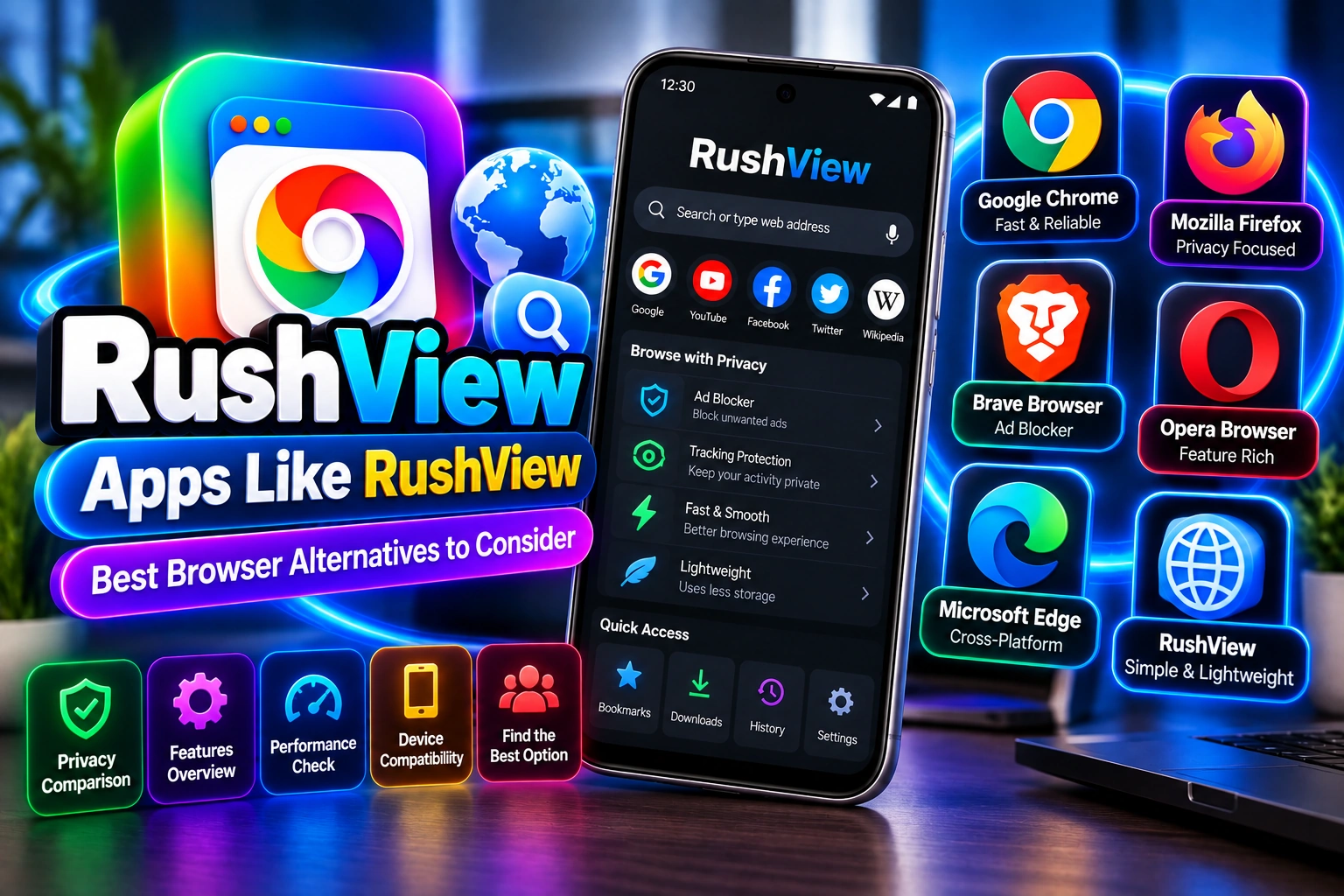
Google Chrome
Google Chrome is one of the most widely used browsers across Android and desktop platforms.
One of its major strengths is integration with Google’s ecosystem.
Users who already rely heavily on Google services may appreciate features related to synchronization, passwords, bookmarks, browsing history, and tabs across supported devices.
Chrome also provides broad compatibility with modern websites.
However, users looking specifically for a lightweight or minimal interface may find a full-featured browser more than they need.
Mozilla Firefox
Mozilla Firefox is another established browser available on multiple platforms.
Firefox provides customization options and supports a broad collection of web standards.
It is also associated with privacy-focused browser features and gives users various controls for managing their browsing experience.
Users who want more customization than a simple Android browser may consider Firefox.
Brave Browser
Brave is known for emphasizing privacy and reducing certain forms of online tracking and advertising.
Its built-in privacy-related functionality can appeal to users who want more controls without installing many separate tools.
However, like any browser, users should understand what individual privacy features actually do rather than assuming that the browser provides complete anonymity.
Opera
Opera provides a broad range of browsing features and has versions for multiple platforms.
It may appeal to users who prefer additional functionality built directly into their browser.
Depending on the version, users may find tools related to customization, media, productivity, and browsing convenience.
Microsoft Edge
Microsoft Edge is another cross-platform browser with strong integration into Microsoft’s ecosystem.
Users who regularly work with Windows computers and Microsoft services may find the synchronization and desktop integration useful.
It is a feature-rich browser rather than a minimal Android browsing tool.
RushView vs Other Browsers
RushView’s appeal is primarily its straightforward approach.
A simple browser can be useful when you do not need numerous advanced features.
Other browsers may provide:
- More extensions
- More synchronization options
- More customization
- Broader desktop integration
- Advanced privacy controls
- Larger support ecosystems
The right option depends on what you actually need.
What Should You Look for in a Browser?
When comparing RushView with alternatives, consider several factors.
Performance
Look at how the browser behaves on your specific device and network.
Privacy
Review privacy controls and understand what information the browser and websites can collect.
Compatibility
Make sure the browser works with the websites and devices you use.
Synchronization
If you use multiple devices, synchronization of bookmarks, passwords, tabs, or other information may matter.
Customization
Some users want a simple interface, while others prefer extensions, themes, and additional controls.
Updates
Regular updates can be important for compatibility and security.
Which Browser Should You Choose?
There is no single browser that is perfect for every user.
Someone who wants a straightforward Android browsing application may prefer a simple browser such as RushView.
Someone who needs extensive synchronization may choose a browser integrated with their existing ecosystem.
Another user may prioritize privacy controls or customization.
The most useful approach is to compare actual features with your own requirements.
Safety When Trying Browser Alternatives
Regardless of which browser you choose, download it from a trustworthy source.
Avoid unofficial modified versions unless you have a clear reason and can verify their origin.
For Android applications distributed through APK files, check the source, version, permissions, and compatibility before installation.
Final Thoughts
There are many apps like RushView, but each browser takes a different approach.
RushView focuses on a relatively simple Android browsing experience, while browsers such as Chrome, Firefox, Brave, Opera, and Edge provide broader ecosystems and different collections of features.
Instead of selecting a browser based only on popularity, compare privacy controls, performance, compatibility, synchronization, customization, and the features you actually use.
That approach makes it easier to find a browser that fits your particular browsing habits.